 Media House
The house for your media.
Point it at a folder. Media House plays every format, finds the actors and categories hiding in your file names, makes the posters, and lets you browse it all like a cinema.
Free 15-day trial with every feature, no sign-up. Then US$9.99 a year. Your files never leave your computer.
Watch
A minute in the app.
Filmed in Media House itself. The library on screen is a demo one — its films, shows and performers are invented — and everything else is the real thing.
New in 1.2
It sorts itself, from the names you already gave your files.
Actors after “starring”, in brackets, after a dash, in lower-case dots or in Arabic; the year and decade; the language and country; the studio from an NFO file; movie, series or clip. A wrong guess is one click to fix, and the fix is remembered. How it compares with Plex, Jellyfin and Kodi.
What it does
It organises itself, then lets you make it yours.
Large local libraries usually end up as folders of file names. Media House reads those names and turns them into something you can browse.
Actors, series, years, categories
Names, episode numbers, quality tags and recurring words are detected automatically. Accept a suggestion and it becomes a real category on every matching file.
Favourites, scores, genres out of 10
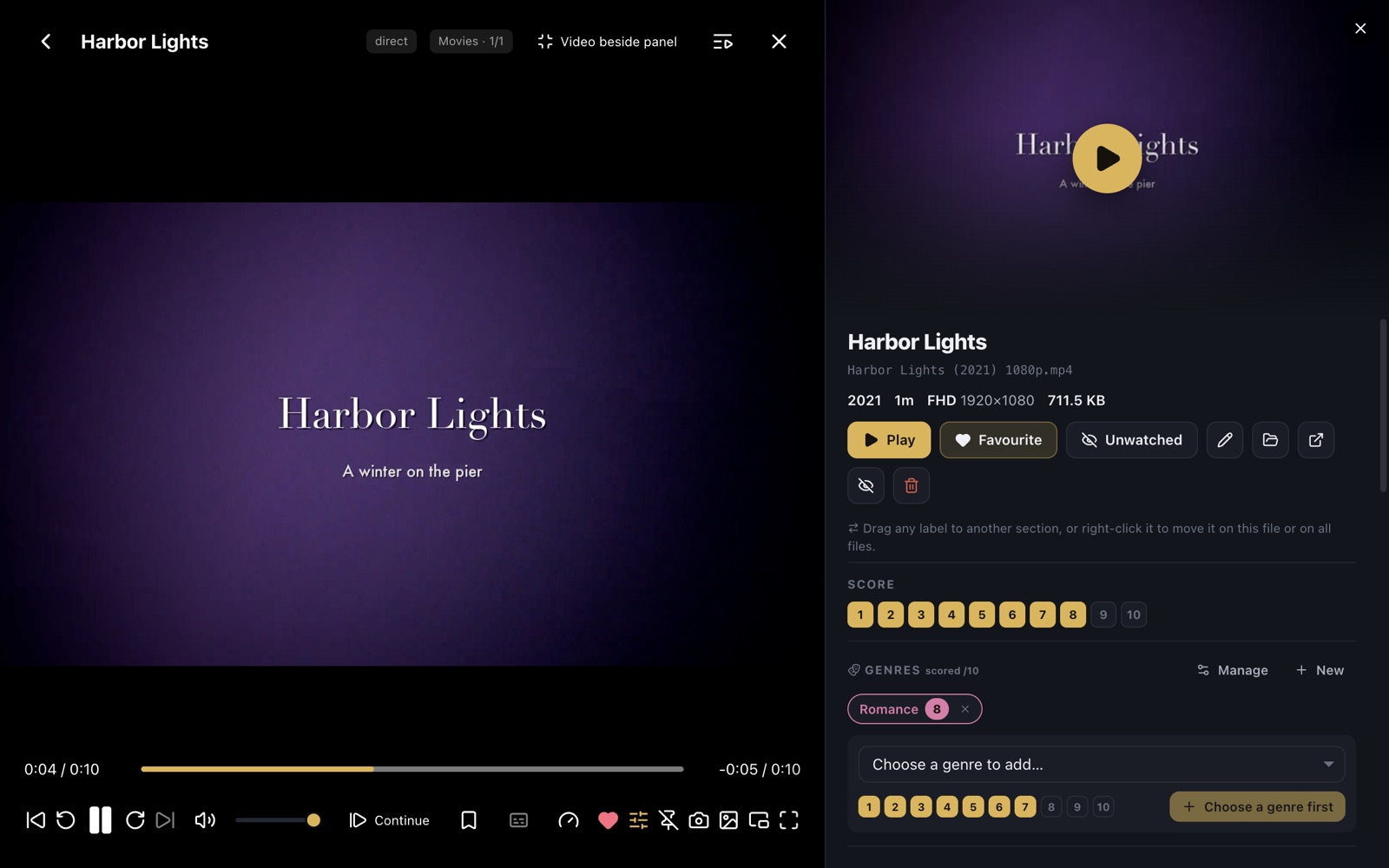
Score any file, give each genre its own strength — Drama 9, Thriller 7 — tag freely, and drag labels between sections when the app guessed wrong.
Rules, not lists
“4K, over 90 minutes, unwatched, Action scored 7+”. Collections update themselves as files arrive and can be pinned to Home.
Any combination, one queue
Tick folders, genres, actors, tags or collections, alternate between them, skip what you have seen, set a minimum score, and press play.
Previews, markers, resume
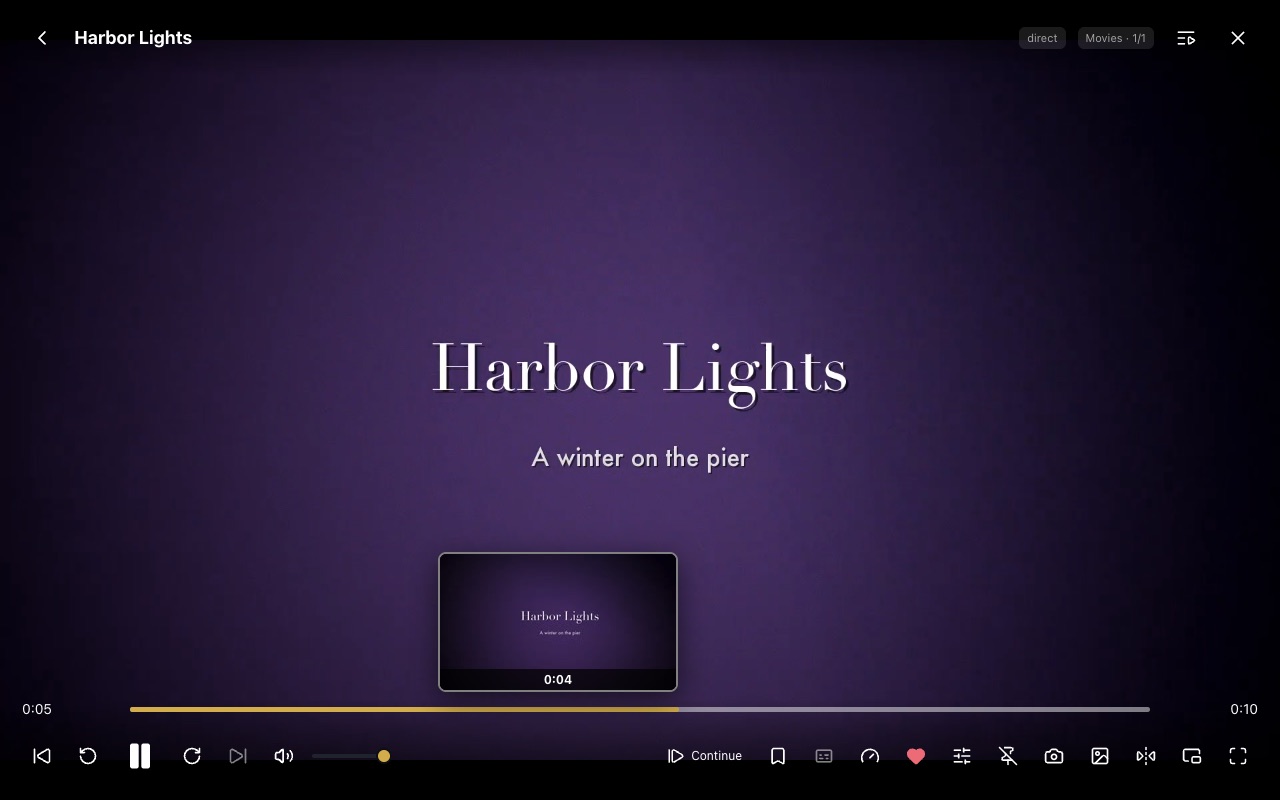
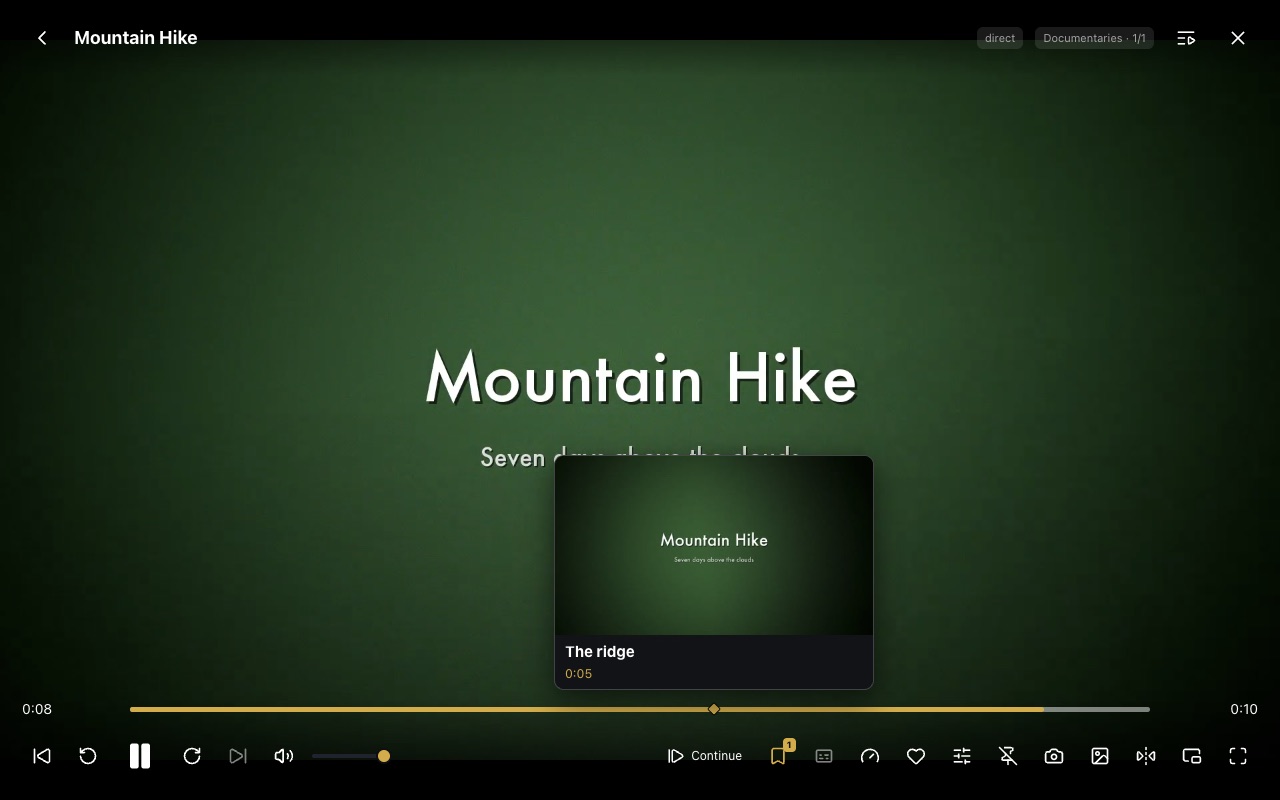
Hover the timeline for a frame preview, mark moments, resume where you stopped, switch subtitles and audio tracks — and organise in a panel beside the video.
Phone & TV access
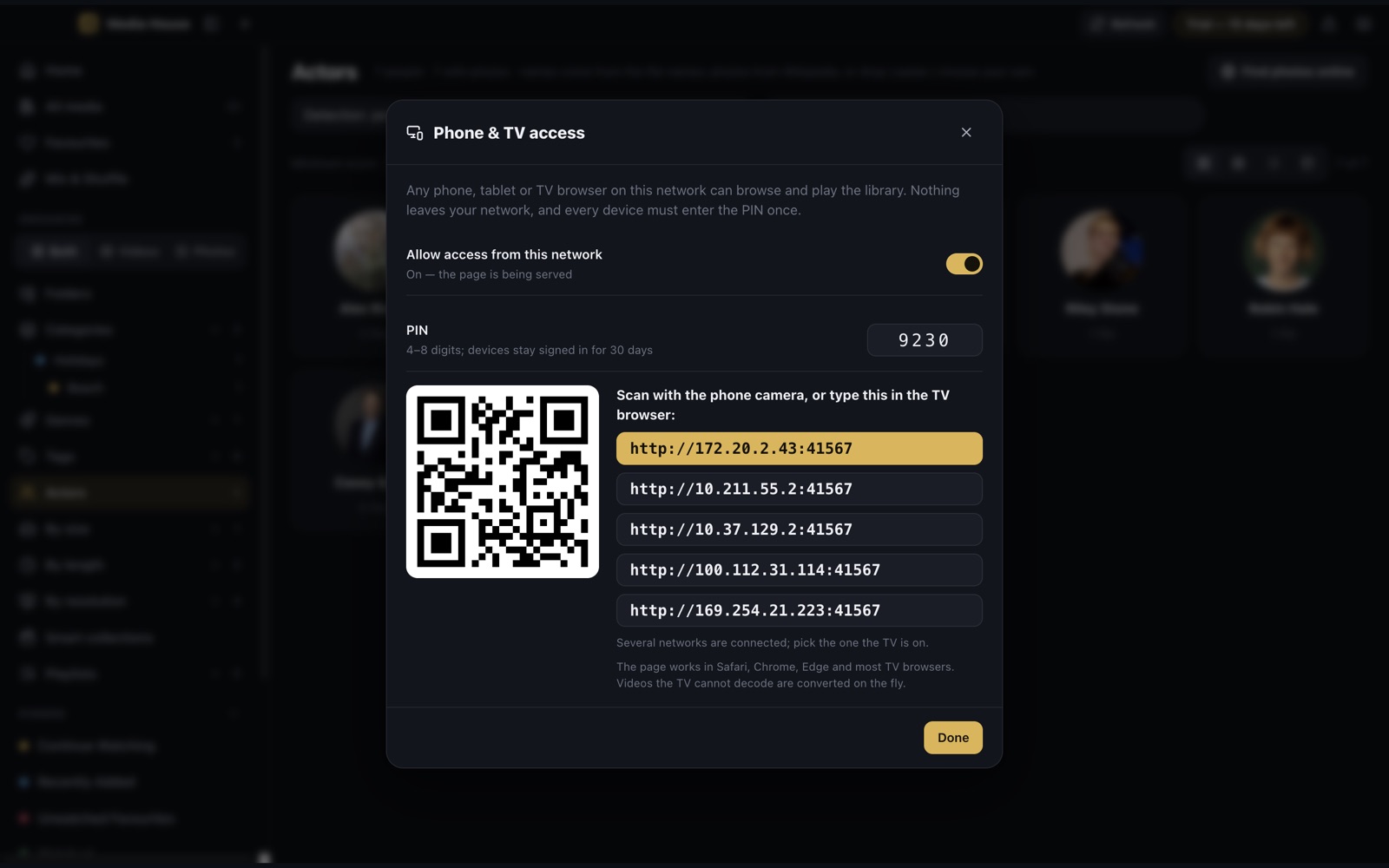
Turn on a PIN-protected page on your own network and any phone, tablet or TV browser can browse and play. Scan a QR code to open it.
Keyboard, remote, game controller
Built for a TV across the room: arrows, a media remote or a game controller move through every screen.
App lock and a local library
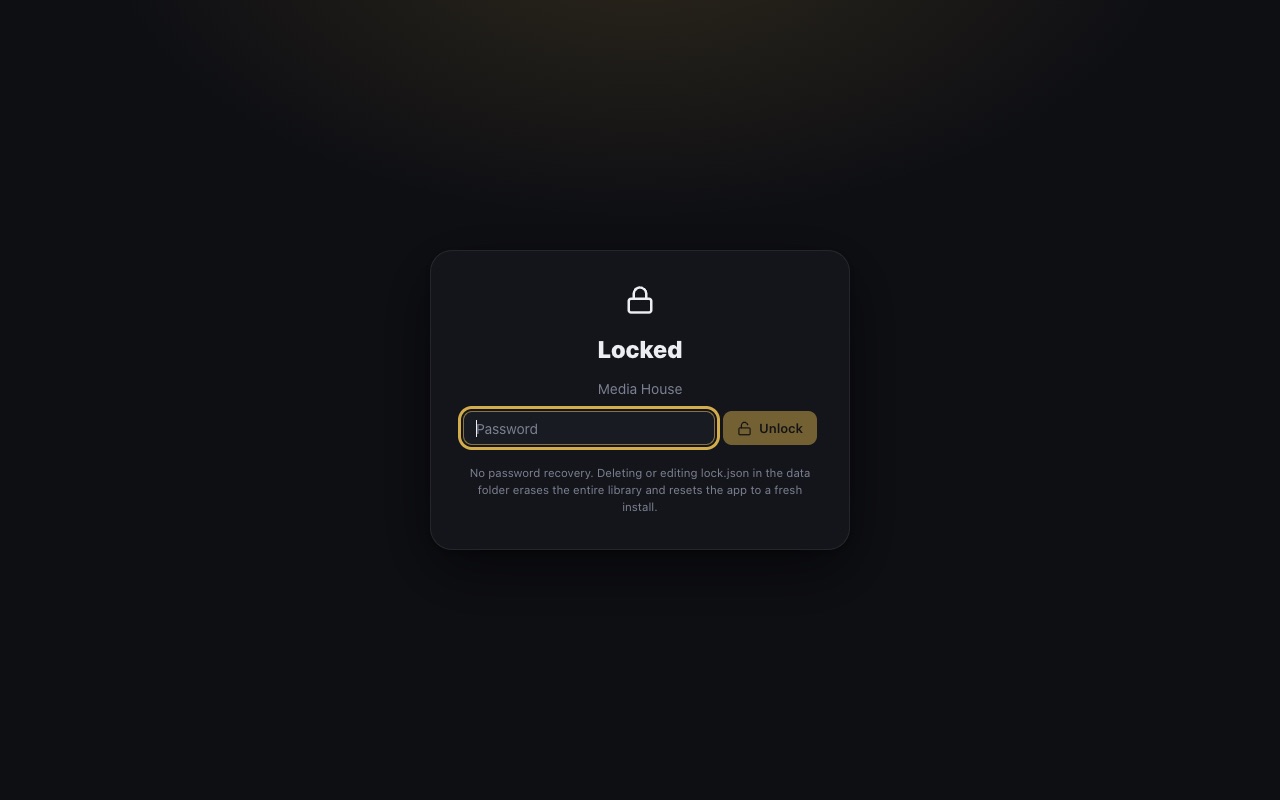
Password or Touch ID lock, nothing uploaded, no telemetry. Online lookups for actor photos, film details and subtitles happen only when you ask.
Watches your folders
New files appear on their own, unplugged drives hide their files instead of losing them, and iCloud Drive and OneDrive placeholders download in the app.
Screens
Every screen, as it ships.
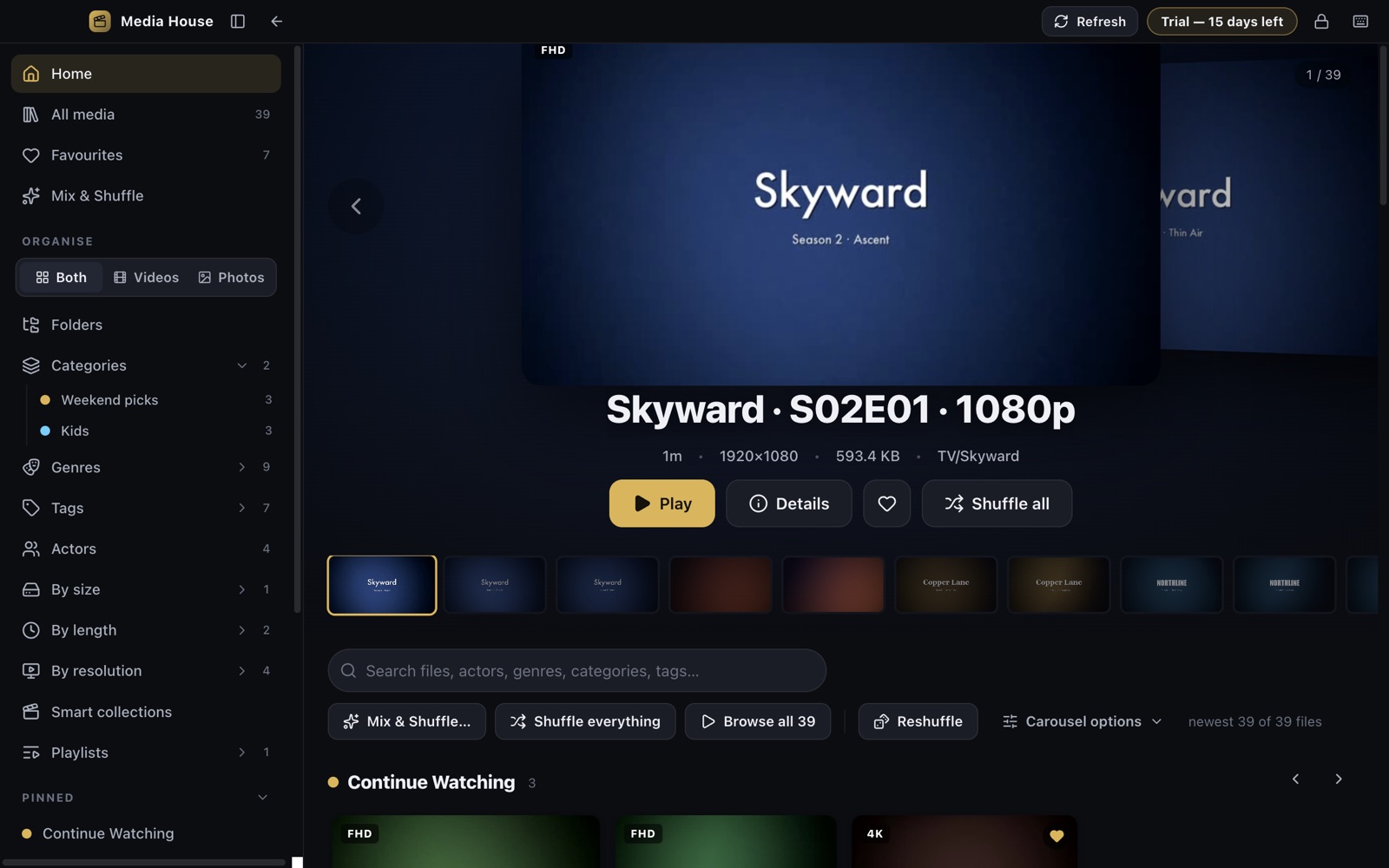
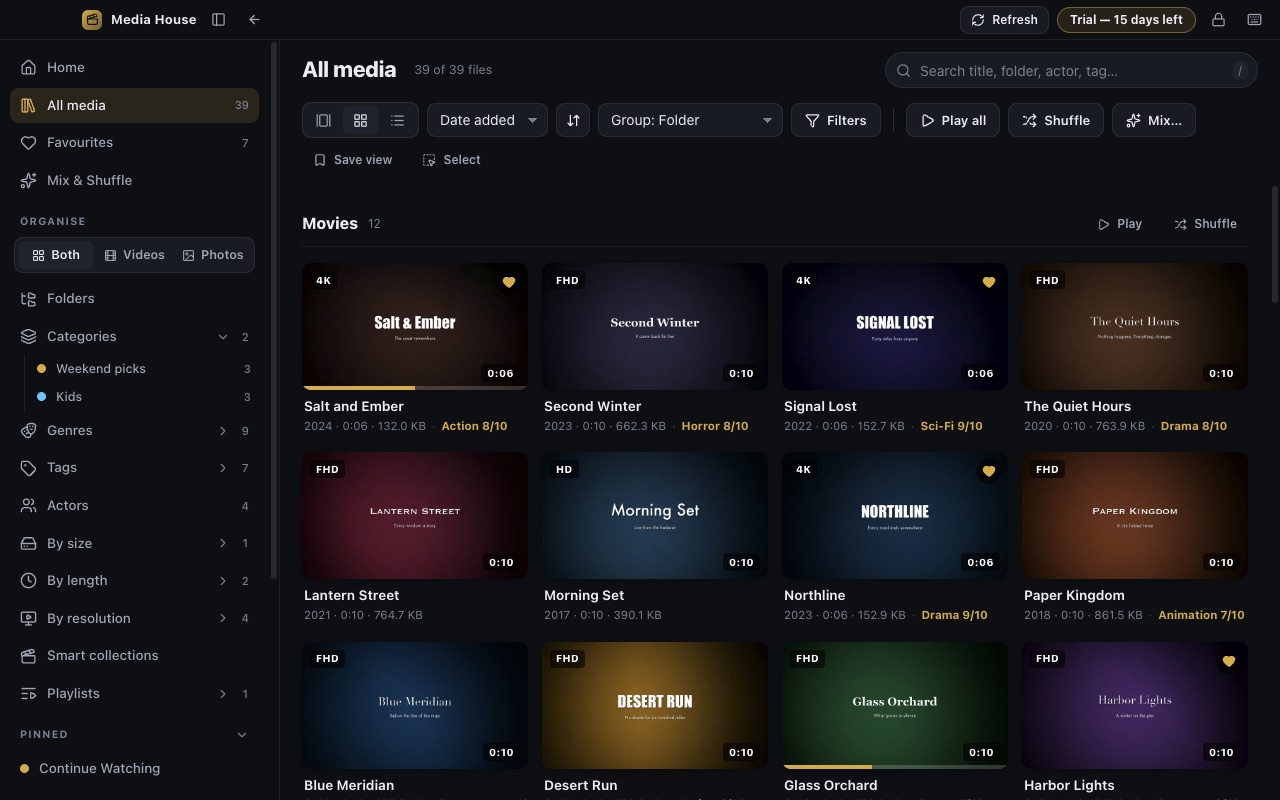
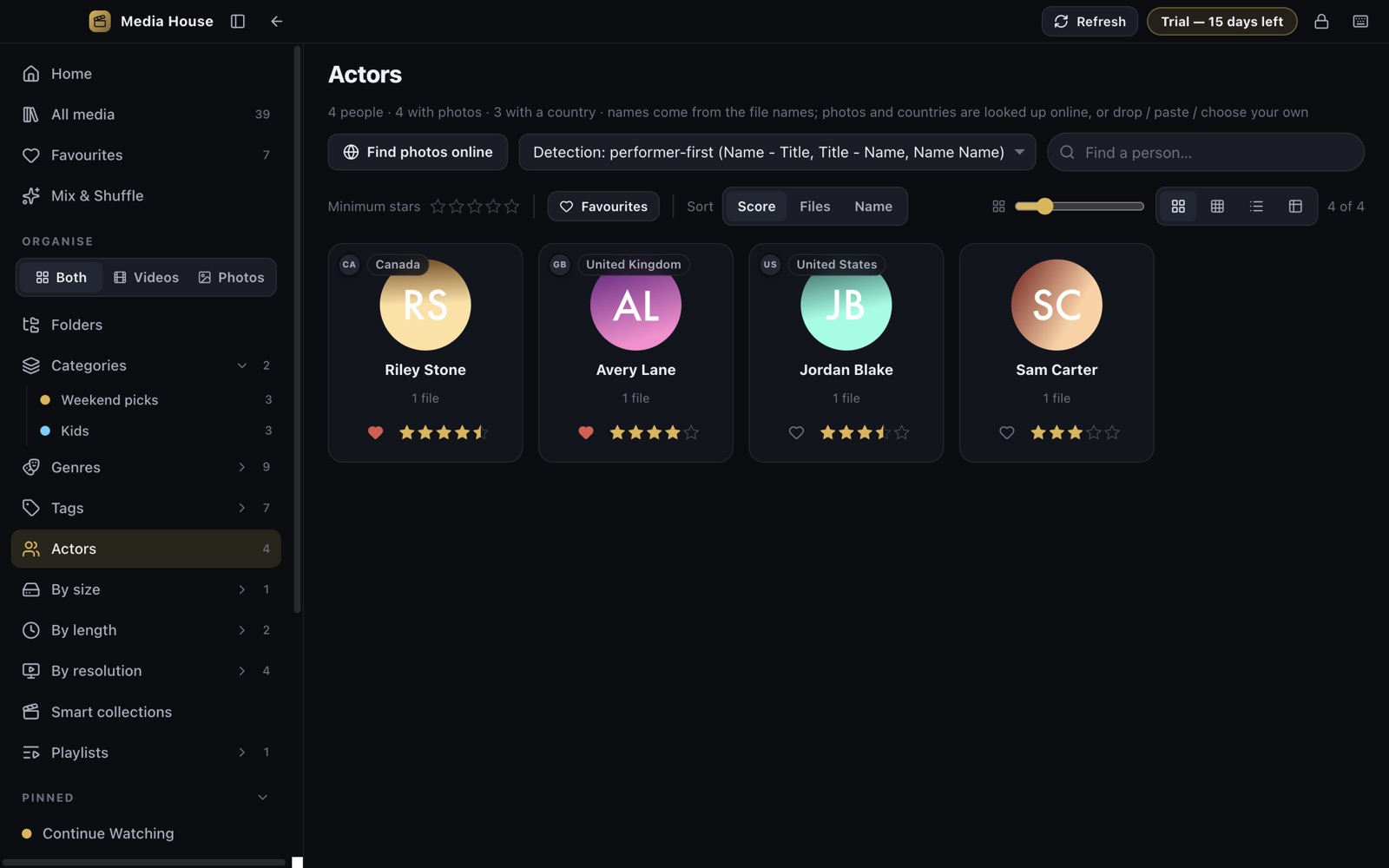
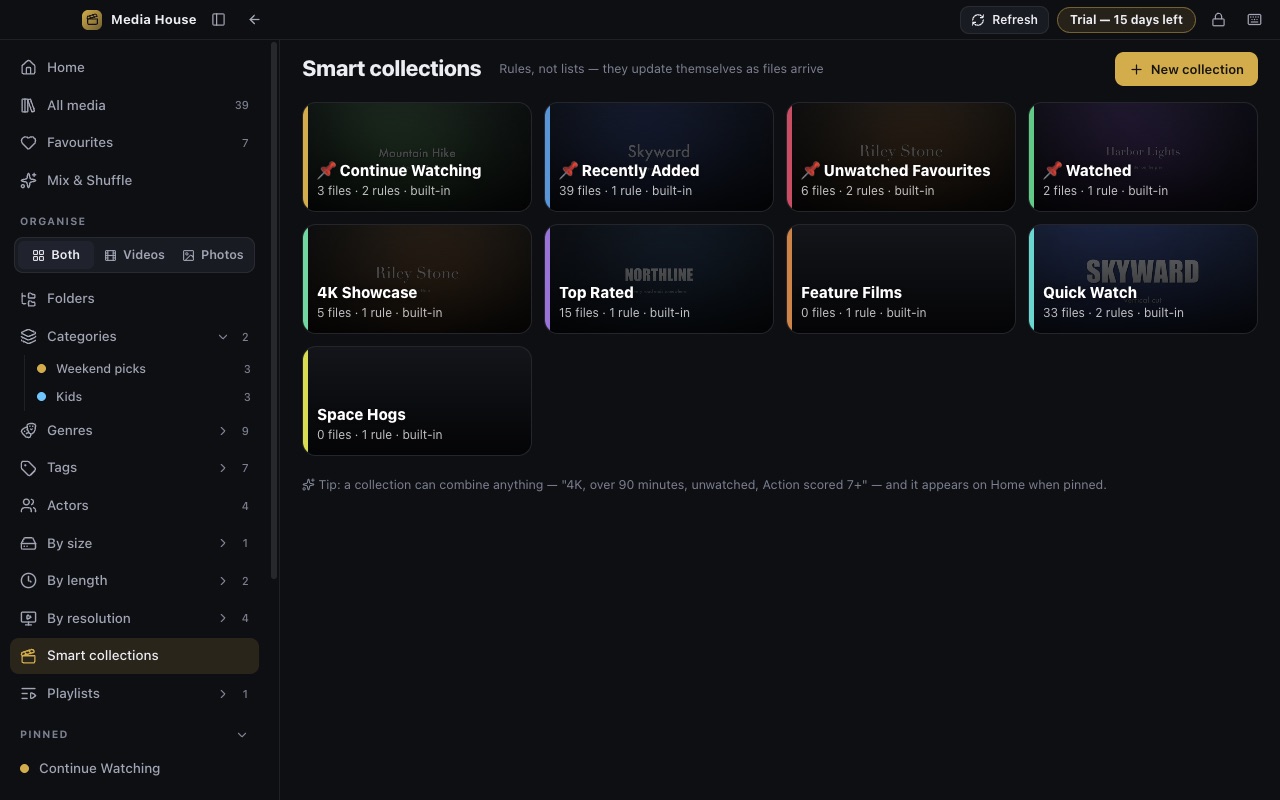

Pricing
Try everything for 15 days. Then one small yearly price.
No sign-up, no card to start. When the trial ends the app keeps your library, favourites, scores and categories exactly as they are and asks whether you want to carry on. The subscription is handled by your store, so you manage or cancel it there.
US price; your store shows the price in your country.
- Every feature, every format
- Unlimited folders, actors and categories
- Phone & TV access on your network
- All future updates
Download
Out now on Mac and Windows.
Both are the same app with the same 15-day trial. Search for “Media House” in either store.
Questions
Short answers
- Do I need a server or an account?
- No. Media House is an app, not a server: install it, add a folder, and it works. There is nothing to sign up for.
- Does it need FFmpeg or codecs?
- No. Everything needed is built in, including HEVC and 10-bit video.
- Where does my data go?
- Nowhere. The library index lives on your computer. See the privacy policy.
- Will it change my files?
- It never alters your videos or photos, and renames or moves one only when you ask. By default it keeps a small
.mediahousefile in each library folder so your organisation travels with the folder — you can turn that off in Settings. - Can I move my organisation to another computer?
- Yes, with the per-folder library file or a full export.
- Cloud files?
- iCloud Drive and OneDrive placeholders are recognised; download them from inside the app with a progress ring.
- Intel Mac?
- The Mac version needs Apple silicon (M1 or later).
- Need help?
- See support or write to [email protected].